MkDocs QR Plugin
Achievements
- Render a QR code from code instead of uploading an image.
Description
Technologies used
- Python
- Markdown
Responsibilities
- Product owner
- Developer
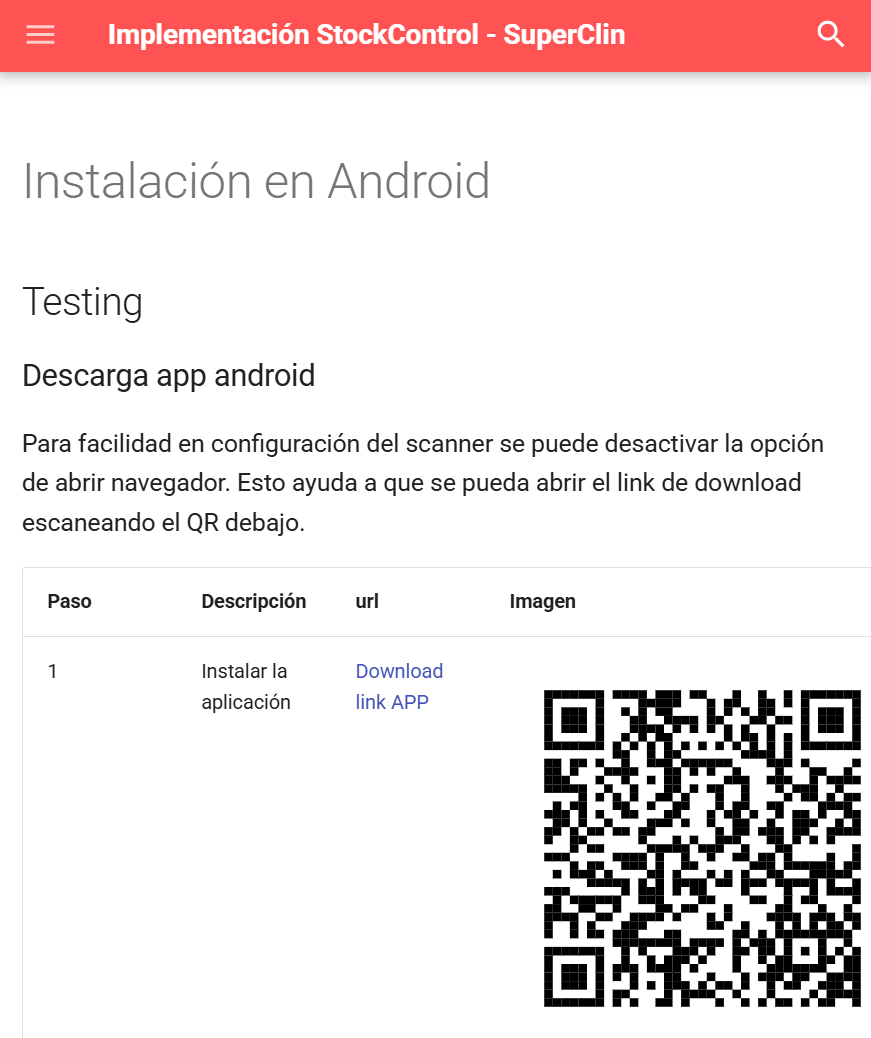
I developed this module to make it easier to include QR codes in MkDocs documentation. While QR codes significantly improve UX—allowing users to quickly download apps to their phones—they are a pain to maintain if the links change. With this module, you no longer have to swap out image files. Instead, you define the QR code in a code block, making updates as simple as changing a line of text.
This code:
```barcode
title: for the image
data: http://www.data-to.encode
reference: Not implemented
height: 400
width: 400
```
Generates this QR

Learned
- How to create custom modules for MKDocs
- Deploying to PyPi. All my previous modules were hosted privately.
Components
Main advantages
Improvements with this approach:
- Versioning control friendly. Since we are no longer uploading binary files.
- Always maintain the same format, sizing and padding of the QR code.